






Activate CostPocket Company Cards
Activation requires a Smart-ID and must be performed by a Legal Company Representative. The setup process can take up to 2 business days to complete.
Step 0. Initiate the feature in CostPocket
If you are not the Legal Representative, please ask an authorized colleague to perform this step.
- On Web: Log in to the Cloud platform and go to the CostPocket Cards section.
- On Mobile: Open the app and navigate to Settings > CostPocket Cards.
You are 3 short steps away from the first payment!
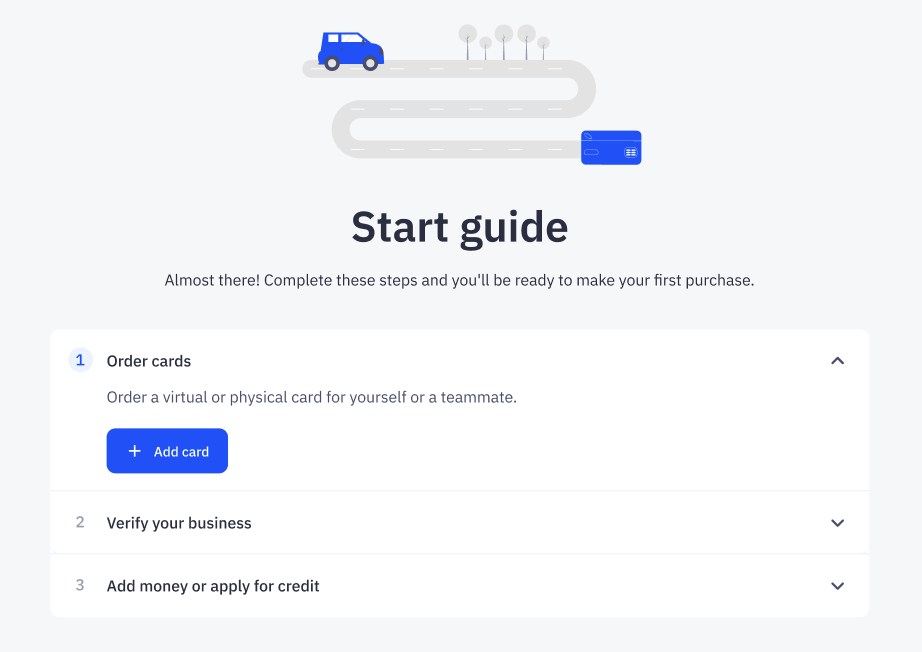
Step 1: Issue a card in CostPocket
Start by issuing a virtual or physical card for yourself or a colleague.
Read more about your options when issuing a card.
Step 2: Verify your business
You will be securely redirected to our partner, Mynt, to set up your account (via Passkey or Email) and complete the business verification (KYC).
- Signature method: Only Smart-ID is supported.
- Expected timeline: Typically takes a few hours up to 2 business days.
Step 3: Top up your account
To start making purchases, you need to fund your account using one of these methods:
- Bank Transfer: Send funds to Mynt's DNB Bank account in Finland. Find your specific payment instructions under Mynt app in Account > Add Money
- Credit (Finland only): Buy now and pay later with a 30-day credit line. Read more about credit options.
Success! Once your account is funded, your cards are ready to use.
Was this article helpful?