






Export CostPocket card transactions
Export your CostPocket card transactions to upload them into your accounting software.
How to export card transactions
You can export card transactions by going to CostPocket Cloud > Card payments > select the specific cardholder, card, or period > click on Download.
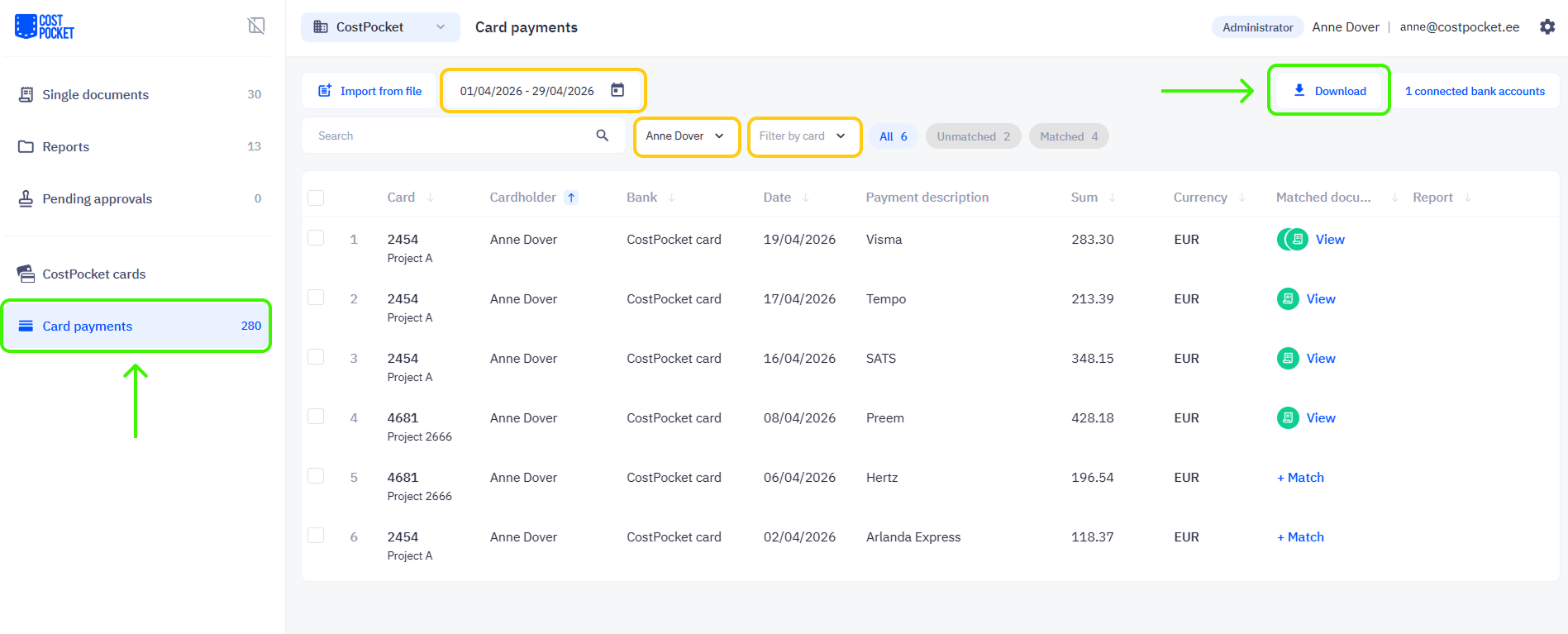
An XML file with your transactions will be prepared and downloaded. Upload this file to your accounting software’s transaction import section.