






Submitting long receipts or multi-page invoices
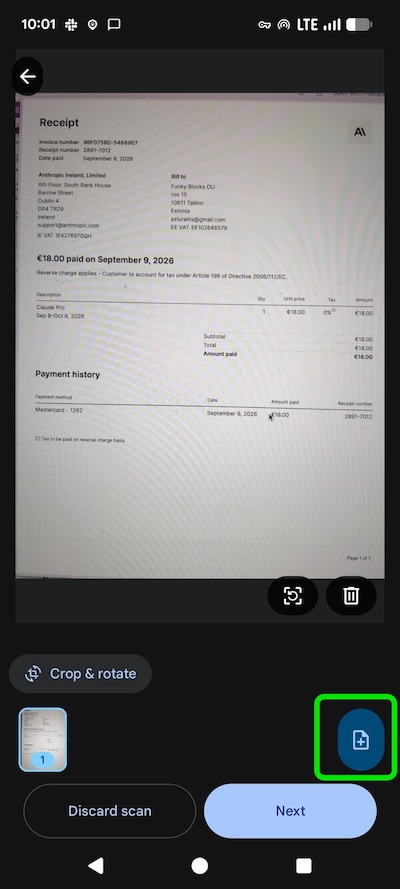
Got a receipt that's too long for one photo, or an invoice that spans multiple pages? No need to cut anything up — just add another picture.
When you're capturing a document, tap the add photo button to attach a second (or third) image of the same document. CostPocket automatically combines all the pages and digitizes the full document as a single expense.
This works for:
- Long receipts — split across two or more photos
- Multi-page invoices — each page captured separately
Was this article helpful?